Test a new mood without changing location
Explore a warmer, cooler, darker, brighter, or more directional lighting concept in the same recorded scene.
Change the illumination in footage you already shot. Select the moment and describe the light direction, color, intensity, or time-of-day look while asking the model to keep the subject, location, motion, and composition recognizable.
Relighting keeps the location and objects conceptually the same while changing the light. Use weather editing for rain, snow, or fog, and scene change when the location itself should change.
Why use OneThing Video
Explore a warmer, cooler, darker, brighter, or more directional lighting concept in the same recorded scene.
Ask for a time-of-day shift while keeping the original subject, motion, weather, and scene layout recognizable.
Change illumination here; use the weather workflow when precipitation, fog, or atmospheric conditions should change.
How it works
Start with footage you own or are authorized to edit.
Use the timeline range to keep the edit focused.
Describe what changes and what stays unchanged.
Compare the edited range before accepting the render.
Use cases
Try softer, warmer, cooler, or more directional light on an authorized creator or founder video.
Explore a studio, rim-light, or golden-hour direction while keeping the product and framing recognizable.
Create a day-to-night or evening-light concept before committing to a reshoot or deeper color work.
Prompt examples
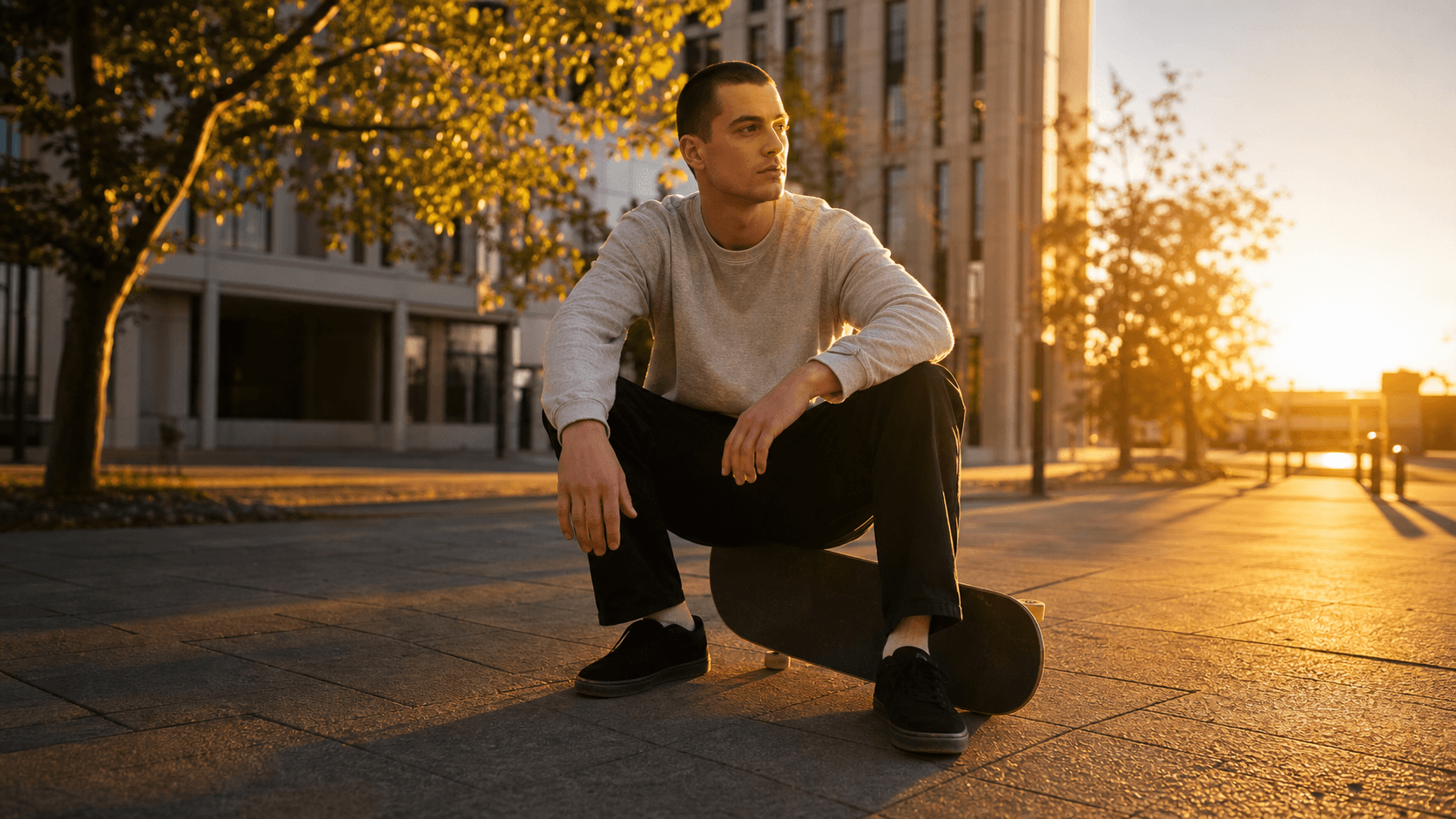
Relight this shot with warm golden-hour light from the left. Keep the person, location, weather, and camera movement recognizable.
Create a restrained day-to-night look. Preserve the subject, street geometry, motion, and clear weather.
Add soft studio-style key light to the product. Keep its shape, label, table, framing, and movement recognizable.
Upload only footage you own or have permission to edit. OneThing Video is made for precise visual changes, not identity swaps, impersonation, or watermark removal.
Describe one clear change and name the details that should remain untouched for a more controlled result.
FAQ
AI video relighting generates a new lighting treatment for an existing clip from a text prompt. You describe the light and the scene details you want to remain recognizable.
You can request a day-to-night concept. New shadows, highlights, reflections, and dark areas can make the result less predictable, so review the generated range carefully.
Readable subjects, visible surfaces, and a short selected range give the model a clearer task. Results still vary with movement, reflections, and occlusion. Use only footage you own or are authorized to edit.
OneThing Video
Select the range and describe one lighting direction together with the subjects, weather, and location details to preserve.