Add a missing prop without another take
Keep the recorded action and framing while creating one described object inside the selected moment.
Insert one new visible object into footage you already have. Select the moment, describe the object and its placement, and name the people, motion, lighting, and scene details you want the model to keep.
Use object addition when a new item should appear where there was no target object. Use replacement when one existing object should become another, or removal when an object should disappear.
Why use OneThing Video
Keep the recorded action and framing while creating one described object inside the selected moment.
Describe the intended position, size, material, lighting response, and nearby surfaces in the prompt.
Use this workflow only when a new item should appear, rather than transforming or removing an existing object.
How it works
Start with footage you own or are authorized to edit.
Use the timeline range to keep the edit focused.
Describe what changes and what stays unchanged.
Compare the edited range before accepting the render.
Use cases
Add a small prop or decoration to an uncluttered part of your own recorded scene.
Preview one described item on an empty table, counter, shelf, or product set.
Introduce a simple visual object that supports the action without asking the model to rebuild the scene.
Prompt examples
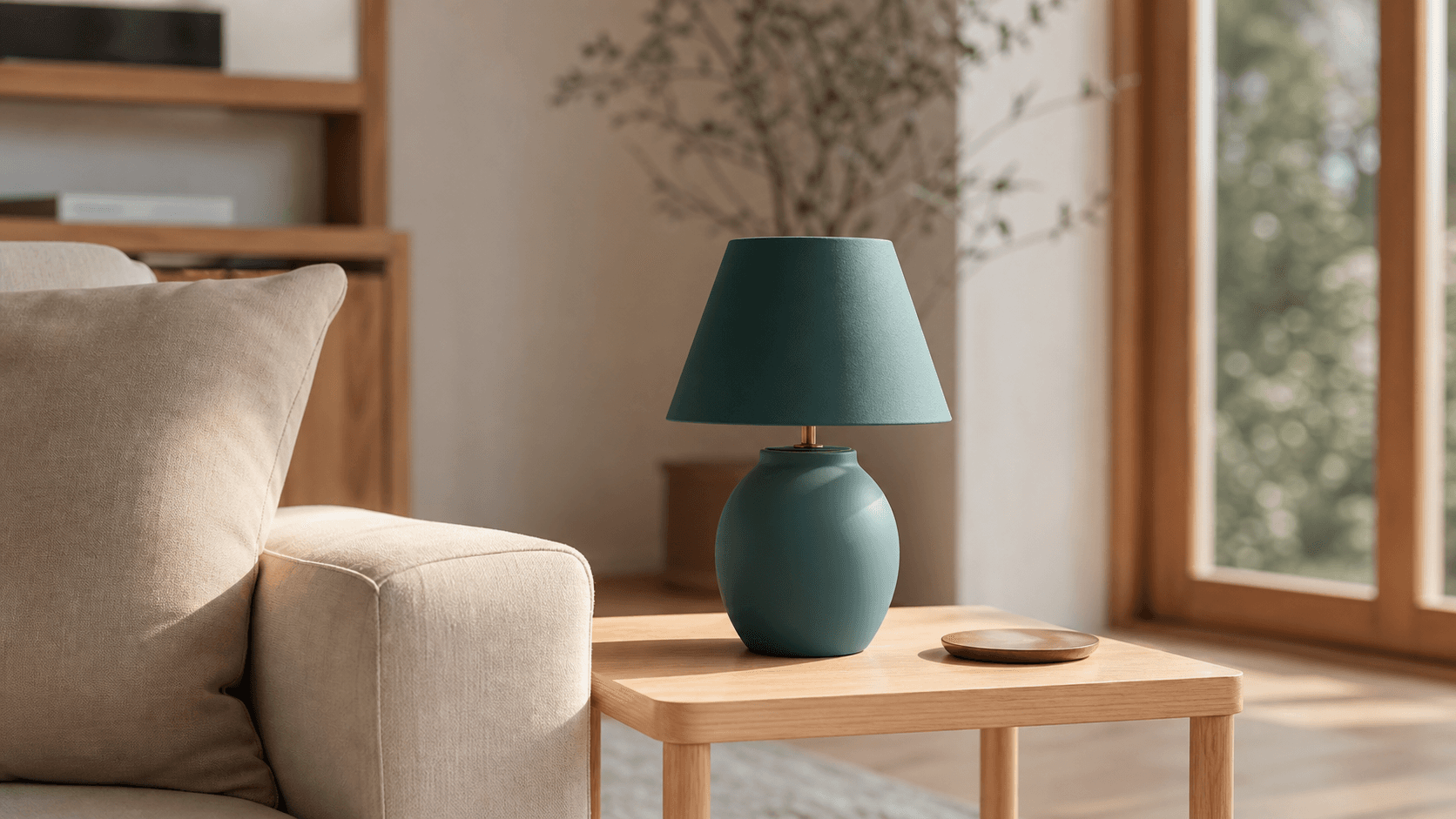
Add a small ceramic vase to the empty right side of the table. Keep the person, lighting, and camera movement unchanged.
Place a closed red notebook on the empty desk. Match the desk perspective and keep the hands and room unchanged.
Add a small green plant to the empty shelf. Preserve the wall, shadows, framing, and original motion.
Upload only footage you own or have permission to edit. OneThing Video is made for precise visual changes, not identity swaps, impersonation, or watermark removal.
Describe one clear change and name the details that should remain untouched for a more controlled result.
FAQ
Upload your video, select the range, and describe one new object together with its position, size, material, and the scene details the model should preserve.
Addition creates a new item where there was no target object. Replacement turns one visible object into another, while removal makes an object disappear.
Results vary with motion, perspective, contact, shadows, reflections, and occlusion. Review the generated clip carefully. Use only footage you own or are authorized to edit, and disclose material synthetic additions when the context requires it.
OneThing Video
Select the moment and describe the new object, its placement, and the surrounding details to preserve.