Edit instead of reshooting
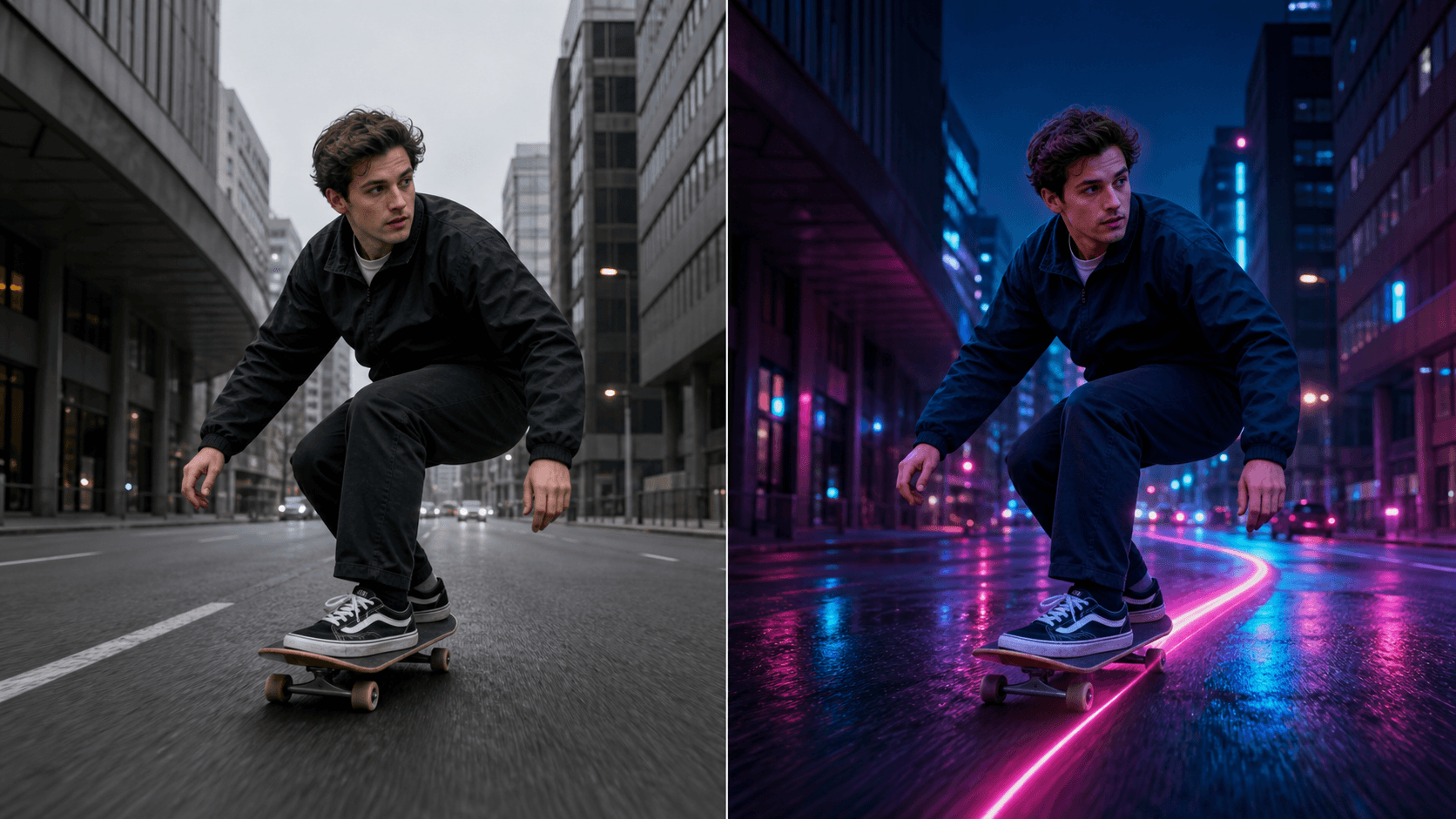
Keep the useful action and timing from an existing take while changing one visible detail.
Start with footage you already shot. Select the moment to edit and describe one visible change, plus the people, motion, timing, and scene details you want the model to preserve.
Built for transforming an existing clip, not generating a complete video from a blank prompt or still image.
Why use OneThing Video
Keep the useful action and timing from an existing take while changing one visible detail.
Try outfit, object, removal, effect, scene, or style changes from the same prompt-driven editor.
A short selected range, one requested change, and explicit preservation details give the model a clearer task.
How it works
Start with footage you own or are authorized to edit.
Use the timeline range to keep the edit focused.
Describe what changes and what stays unchanged.
Compare the edited range before accepting the render.
Use cases
Change an outfit, remove a distracting object, or add an effect to a moment you already recorded.
Explore a product, package, color, prop, or scene direction without repeating the original take.
Try a new environment or visual treatment while asking the model to retain the original composition and motion.
Prompt examples
Change only the jacket to black denim. Keep the face, pose, motion, and room unchanged.
Remove the red vase from the table. Reconstruct the area behind it and keep the room unchanged.
Add a subtle blue glow around the hand. Keep the subject, camera movement, and background natural.
Upload only footage you own or have permission to edit. OneThing Video is made for precise visual changes, not identity swaps, impersonation, or watermark removal.
Describe one clear change and name the details that should remain untouched for a more controlled result.
FAQ
Video-to-video AI takes an existing video and generates an edited version from a text prompt. OneThing Video applies that workflow to the range you select.
It begins with your uploaded footage and its existing motion and composition, rather than creating a complete clip from an empty prompt or still image.
Suitable requests include outfits, visible objects, object removal, effects, scenes, and styles. Results vary with motion, visibility, occlusion, and prompt clarity.
OneThing Video
Upload it, select the range, and describe one visual change in plain English.