Save a clip with one bad expression
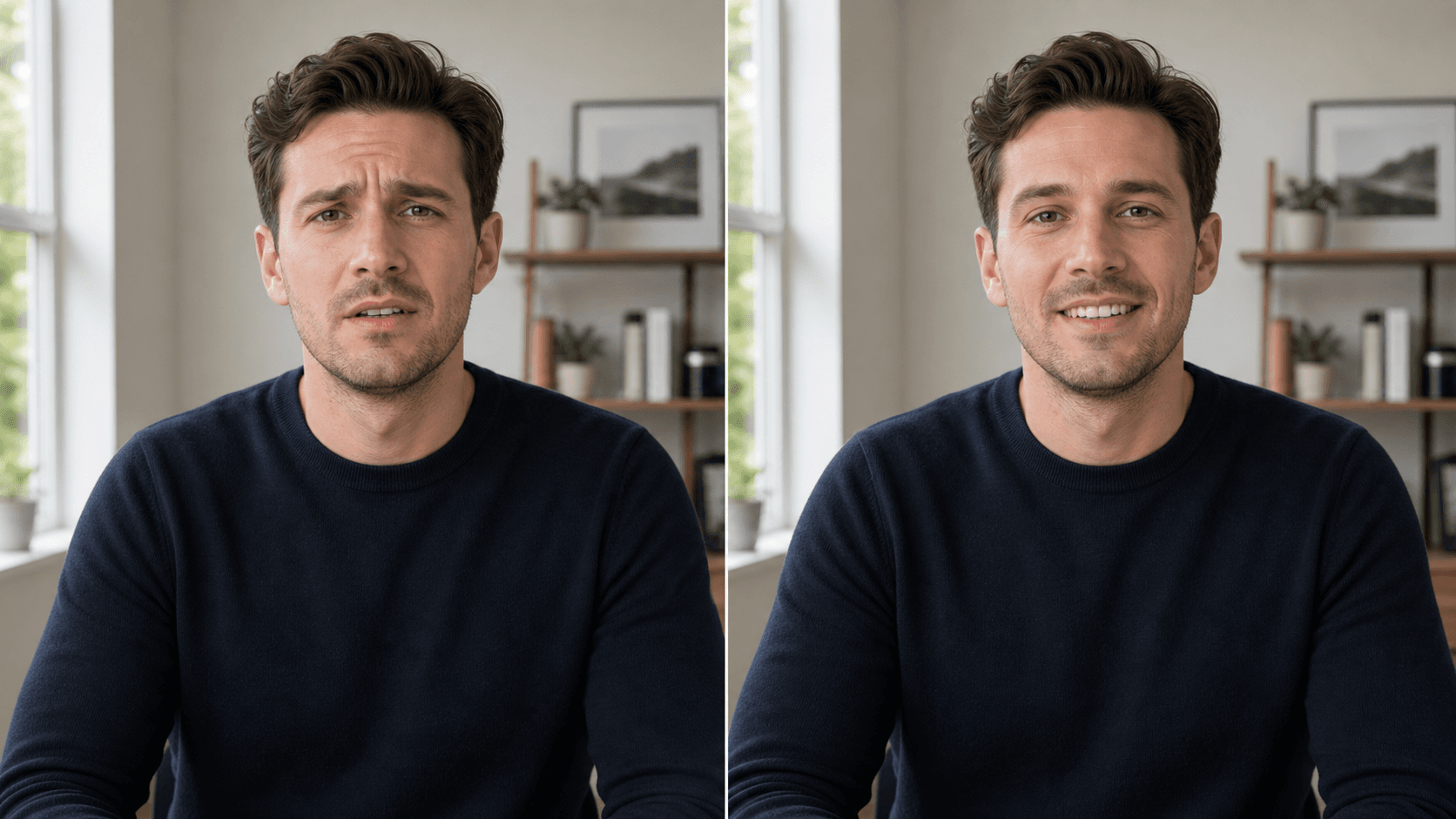
Keep the take where everything else works and soften the awkward moment that distracts viewers.
When one frame sequence ruins an otherwise good clip, target that moment and keep the rest of the video unchanged.
Use only with your own or authorized footage. Identity swaps, celebrity edits, and impersonation are not supported.
Why use OneThing Video
Keep the take where everything else works and soften the awkward moment that distracts viewers.
Adjust a small expression in your own authorized video without turning it into a different identity.
Prompt examples describe natural expression changes while preserving identity and scene details.
How it works
Start with footage you own or are authorized to edit.
Use the timeline range to keep the edit focused.
Describe what changes and what stays unchanged.
Compare the edited range before accepting the render.
Use cases
Fix a blink, odd expression, or awkward frame in your own short video.
Repair one distracting moment without cutting the full segment.
Keep a usable take when the message is right but one expression is off.
Prompt examples
Make my expression more relaxed. Keep my identity, pose, room, and lighting unchanged.
Fix the awkward blink in this selected moment without changing the rest of my face.
Make the smile more natural and preserve the original camera movement.
Upload only footage you own or have permission to edit. OneThing Video is made for precise visual changes, not identity swaps, impersonation, or watermark removal.
Describe one clear change and name the details that should remain untouched for a more controlled result.
FAQ
Yes, in your own or authorized footage. Keep the prompt focused on a natural expression change while preserving identity.
No. Identity swaps, celebrity edits, and impersonation are not supported.
Expression edits are sensitive, so prompts must say what changes and what must remain untouched.
OneThing Video
Use a short selected range and describe the expression adjustment with clear preservation rules.